The problem
I upgraded my test system from FreeBSD 14.3 to FreeBSD 15.0 without much issues, so I thought do also upgrade my production system. But after rebooting the system, it didn’t get back up and when I looked at the console I saw the following messages on the screen:
hdac0: Unexpected unsolicited response from address 1: 00000000
hdac0: Unexpected unsolicited response from address 1: 00000000
hdac0: Unexpected unsolicited response from address 1: 00000000
hdac0: Unexpected unsolicited response from address 1: 00000000
hdac0: Unexpected unsolicited response from address 1: 00000000
hdac0: Unexpected unsolicited response from address 1: 00000000
hdac0: Unexpected unsolicited response from address 1: 00000000
hdac0: Unexpected unsolicited response from address 1: 00000000
hdac0: Unexpected unsolicited response from address 1: 00000000
hdac0: Unexpected unsolicited response from address 1: 00000000
hdac0: Unexpected unsolicited response from address 1: 00000000
And those messages just kept coming.
When searching for a cause or solution I found an email thread about an almost identical issue, but sadly without a solution.
Old kernel fails as well
Since the system was not working I gave it a reset and tried again, but the problem stayed the same. So next I tried to boot an old (14.3) kernel (option 6 in the bootloader), which also gave the same messages.
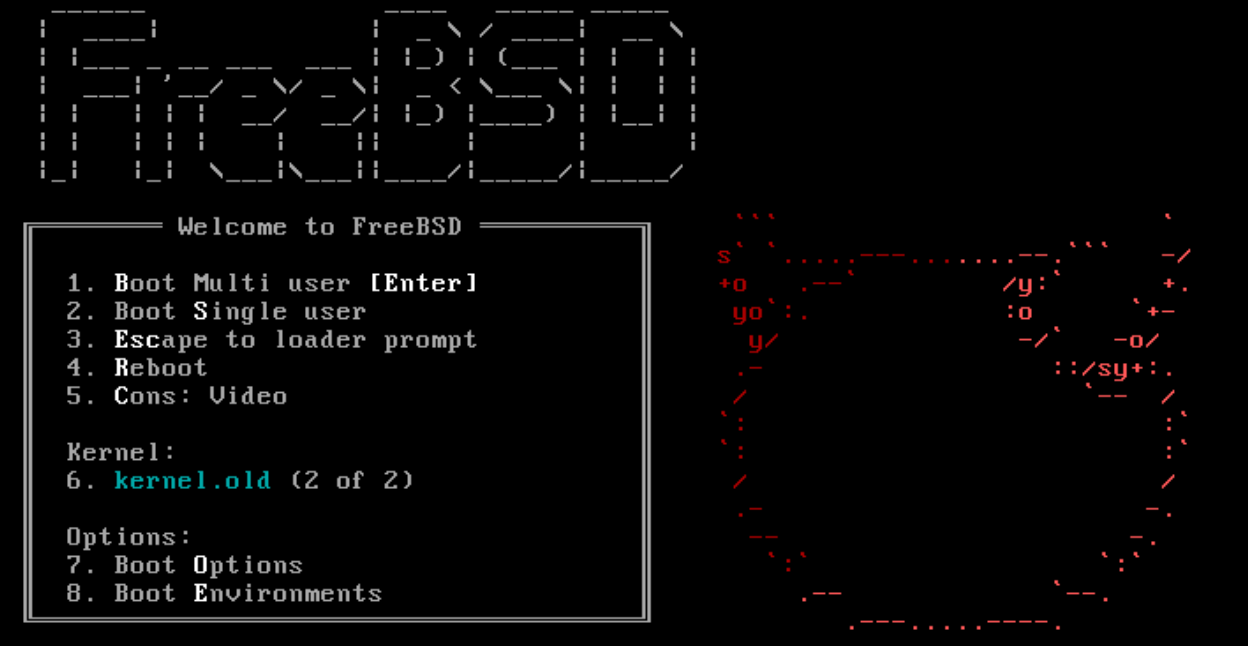
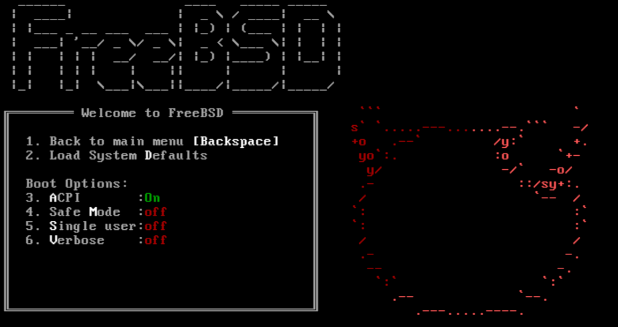
I also tried to disable ACPI and Single User mode, but those also didn’t work. disabling ACPI did not even get to the init process.
Sound driver issue
Searching the internet I found some indication that it has to do with a sound driver. And there are even comments mentioning that it is still present in 14.2-p1, but no solution.
So back to searching. This finally lead me to a solution that could help me:
Add something along the lines
hint.hdac.0.disabled=1
to the /boot/loader.conf
hdac being hw you want to prevent from attaching to, 0 being its unit.
but since the system is not booting, I can not change the loader.conf
This is also documented in the FreeBSD handbook but at the time I found that I didn’t know what it could do, or help me.
Final piece of the puzzle
On the FreeBSD.org forums I found a post which explained how to blacklist a FreeBSD kernel module from the bootloader. The steps are as follows:
- When in the bootloader screen, press
3“Escape to loader prompt” This will show you aOKprompt. - Type
showto show a list of variables. Here you can see what options are all set. - Type
set hint.hdac.0.disabled=1to change the setting that would normally go into the/boot/loader.conf. - Type
boot(without any arguments) to boot the system.
More details are available at the post
With these steps, I was able to boot the system and add the setting to
the /boot/loader.conf after which a reboot worked as expected.